

Opening the Configuration
Press ⌘ + , on macOS or Ctrl + , on Windows to open the editor configuration.Editing the Config
The configuration file returns a Lua table. Start with the default configuration and override any settings you want to change.Example Configuration
Available Options
To browse available themes, type: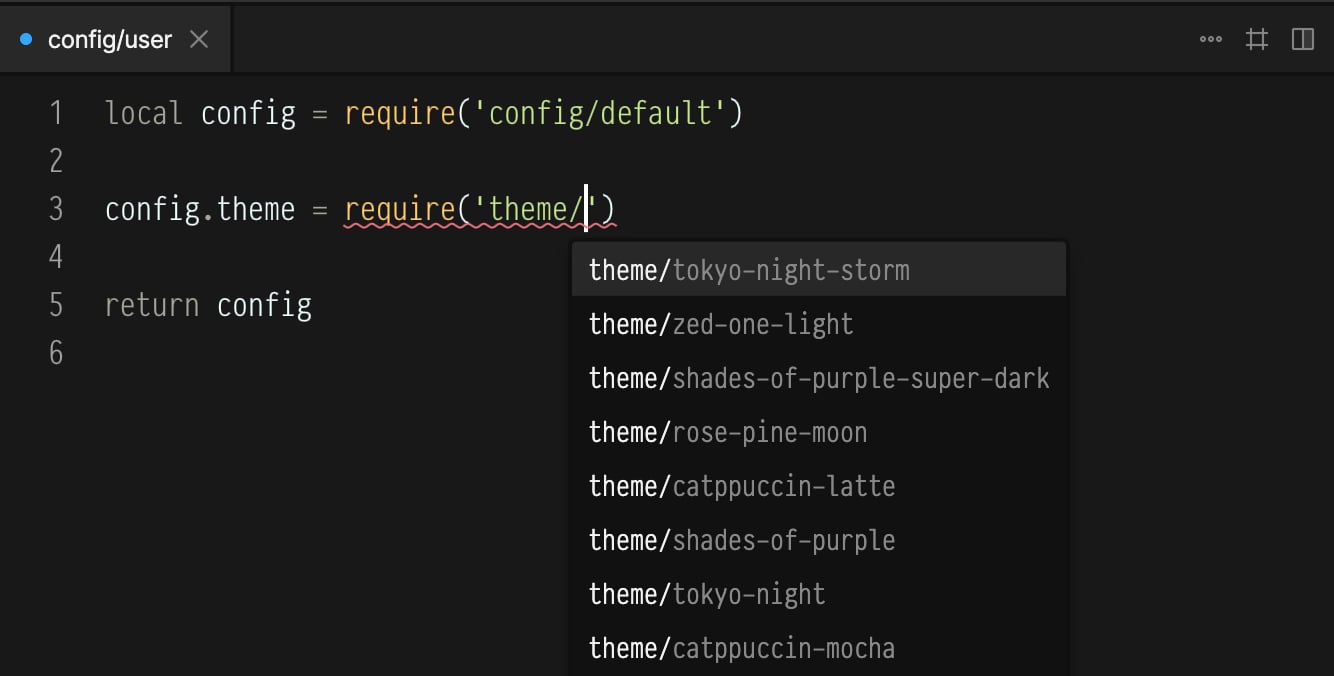
config.theme = require('theme/')The editor will show the full list through autocomplete.